Menus
Menus are their own item in the admin sidebar, under Menus. The screen manages the main menu, the submenus, and the footer menus. The screenshot is the Agency panel.
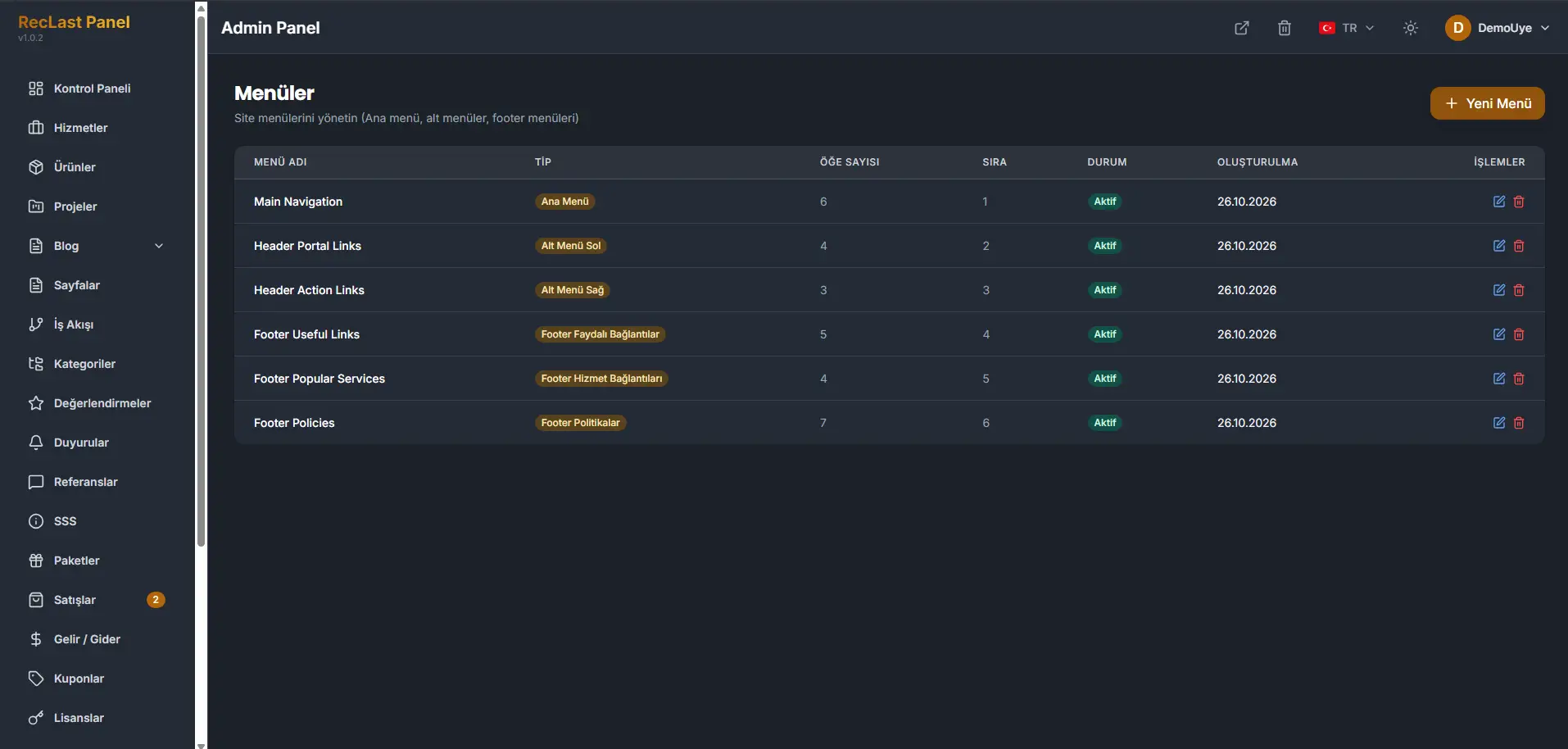
New menu adds a menu. Each row can be edited or deleted. Status shows whether the menu is active. Order is the sequence. Item count is how many links the menu holds.
Menu type
Menu type decides where the menu is placed. The panel has six prepared positions. A menu is assigned to one of them.
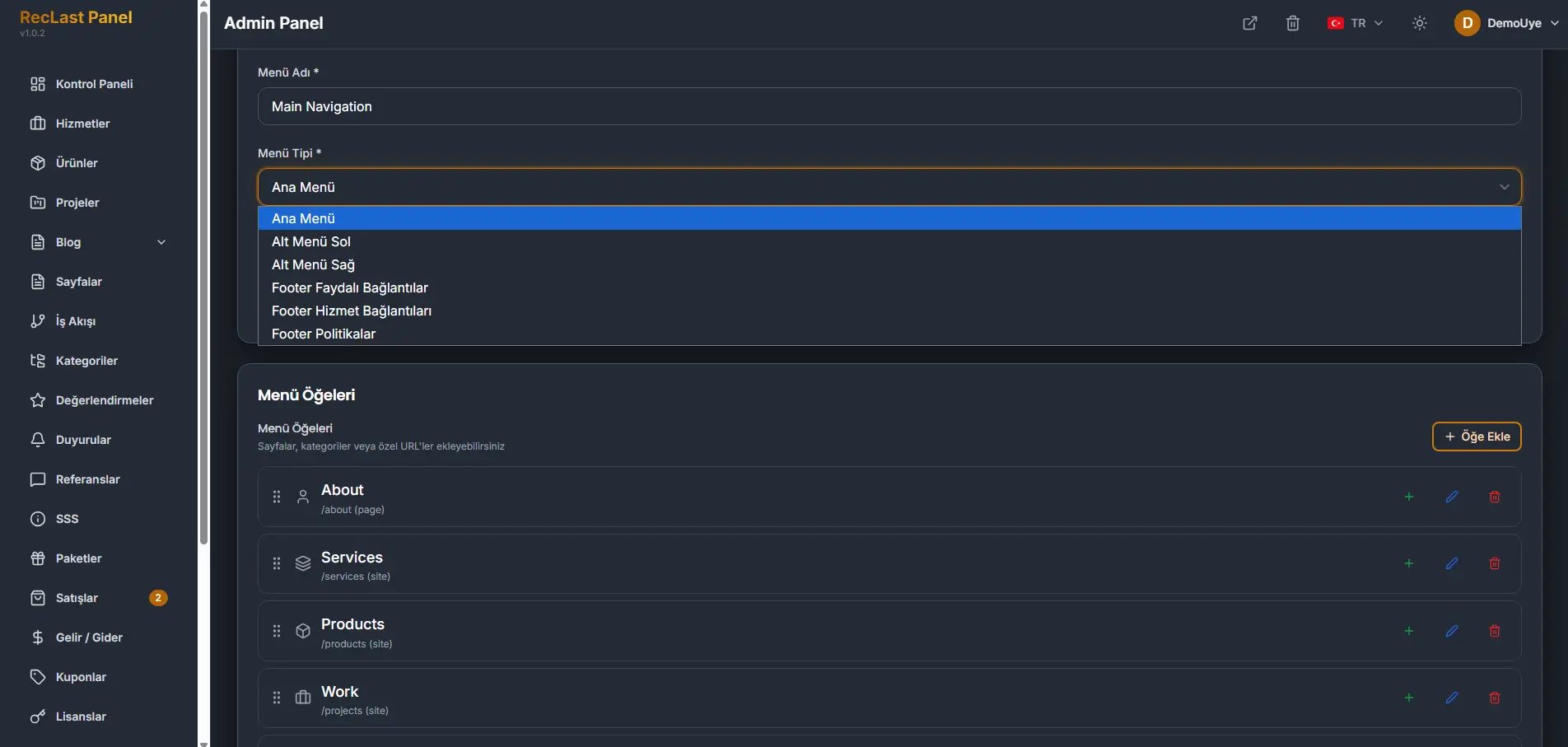
- Main menu. The primary navigation.
- Submenu left. The secondary links on the left of the header.
- Submenu right. The secondary links on the right of the header.
- Footer useful links.
- Footer service links.
- Footer policies.
Menu items are the links inside that menu. Add item inserts a page, a category, or a custom URL. A row can be nested, edited, or removed. In the screenshot, About points at a page and Services, Products, and Work point at site paths.
The reliable way to change navigation is to edit a menu that already occupies the position you need. The six positions above are the places a menu can sit. Assign the type, then change the items.