Categories
Categories are their own item in the admin sidebar, under Categories. The screen manages categories for services, products, and projects. The screenshot is the Agency panel.
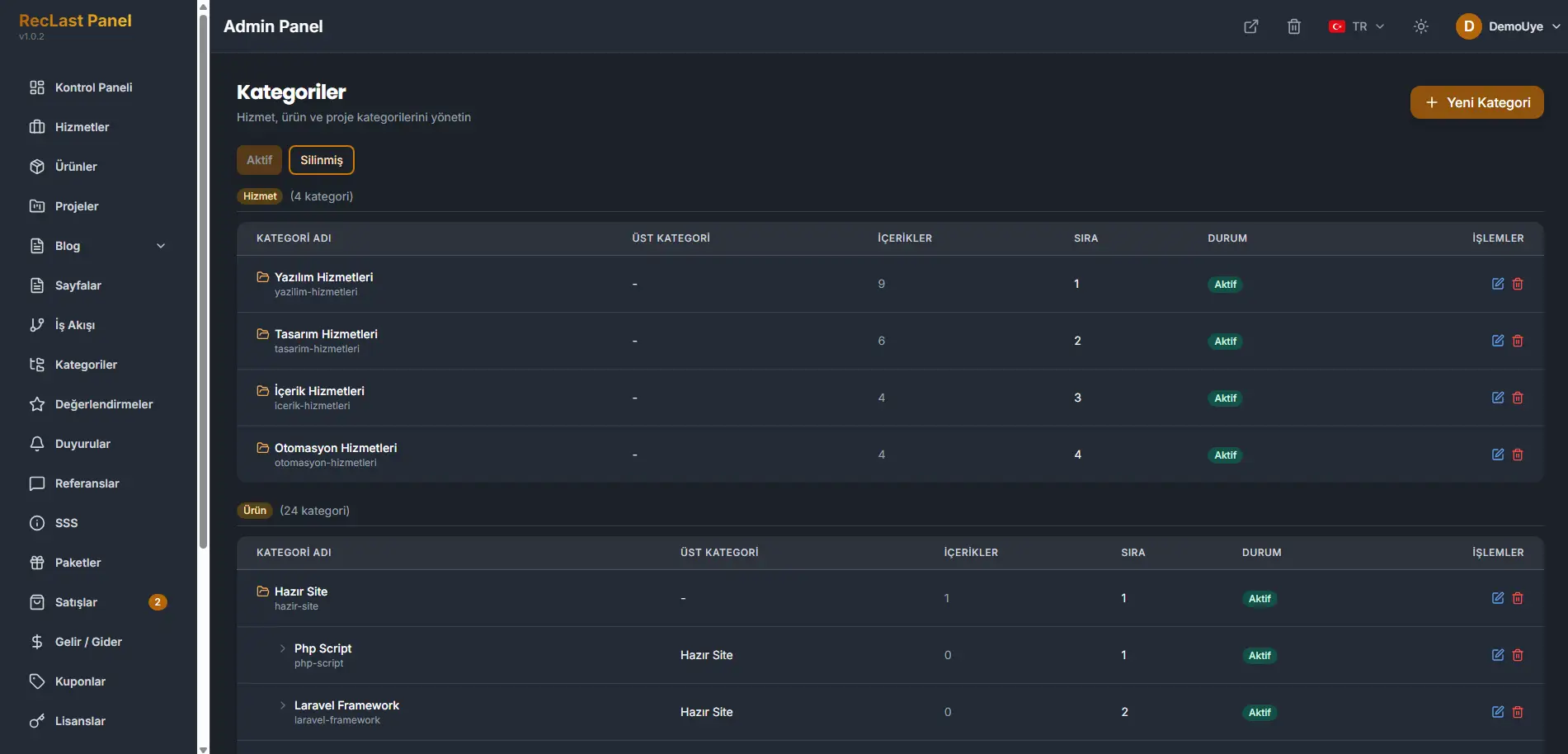
New category adds a category. Active and Deleted switch the list. Categories are grouped by what they belong to. In the screenshot, Services is one group and Products is another.
Each row shows the name, the slug under it, the parent, how many items it holds, the order, and the status. A row can be edited or deleted.
Parent is the category this one sits under. A dash means the category is at the top of its group. A name in that column means it is a child of that category. In the products group on the screenshot, Ready Site is a parent, and Php Script and Laravel Framework sit under it.
A top-level category has no parent. A child names the category it belongs under, and it does not replace that parent. Set the parent only when the category should live inside another one. The wrong parent files its items under the wrong branch.