FAQ
FAQ is its own item in the Agency admin sidebar, under FAQ. The screen title is FAQ, and the line under it is Manage the questions your clients ask often.
The questions stored here are the ones a service form and a product form offer. You still choose which ones to show on that record. The public FAQ page lists every question.
The list and the form use the same layout as Services. What changes is the fields. The screenshots on this page are that shared layout. The columns and fields below are the question ones.
The list
New question adds a question. Show sets how many rows the page holds. The usual count is 10. Search filters the rows.
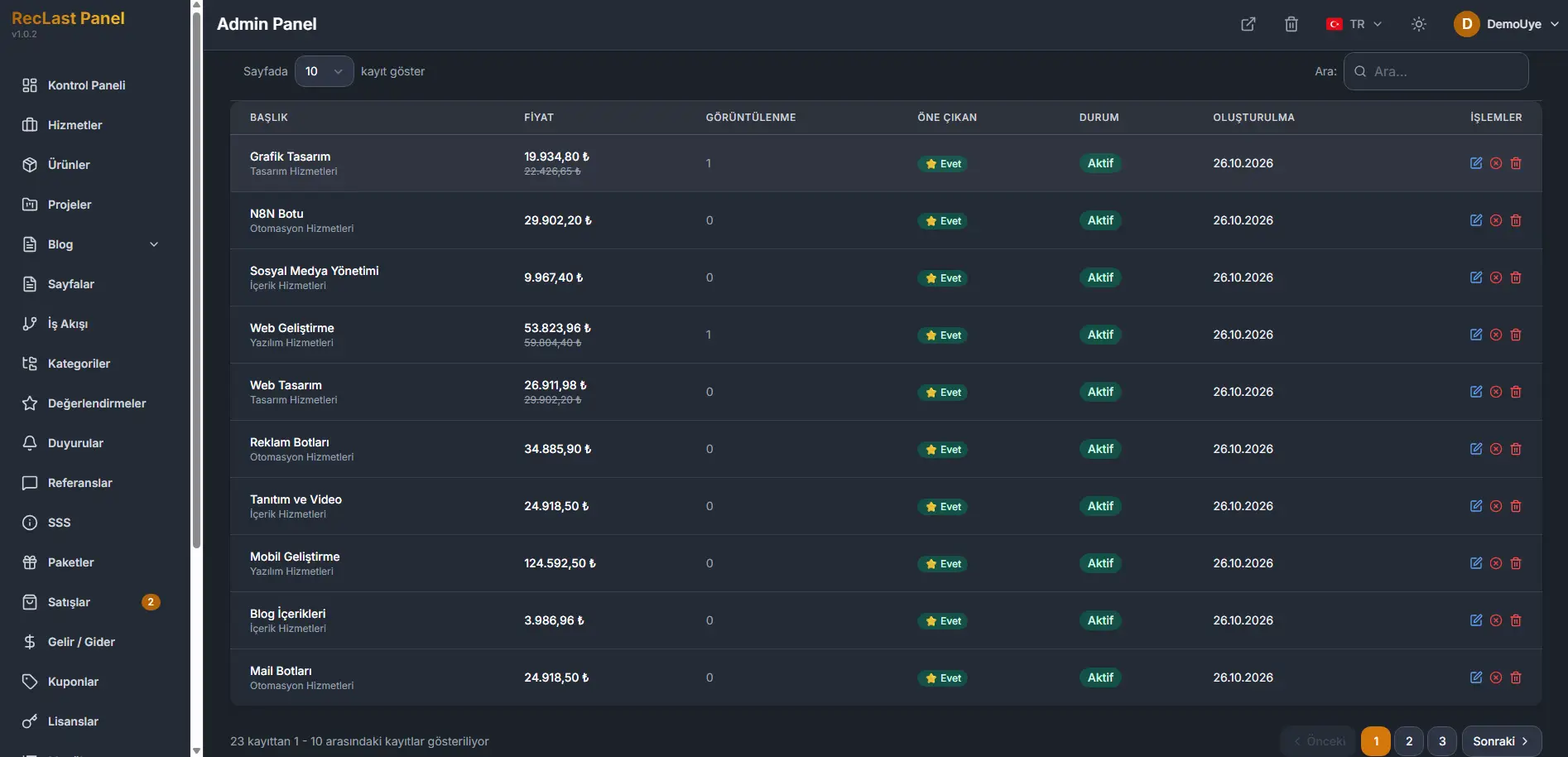
Each row shows:
- Question. The question text.
- Answer. The answer text.
- Category. Where the question is offered.
- Order. The sequence.
- Status. Active when the question is in use.
- Actions. Edit opens the form. Delete removes the row.
The line under the table states which rows are on the page, out of the full count. Previous and Next move between pages. The numbers between them are the pages.
Where a question appears
Category decides the side.
- General is offered on a service and on a product.
- Services is offered only on a service.
- Products is offered only on a product.
The public FAQ page still lists every question, whichever category it uses.
A general question and a service question can sit next to each other, and the same can happen with a general question and a product question. Set the order for the priority you want, so that mix still reads in the sequence you intend.
Create and edit
New question opens an empty form. Edit on a row opens the same form with that question filled in. The screen title for a new record is New question, and the line under it is Add a new frequently asked question.
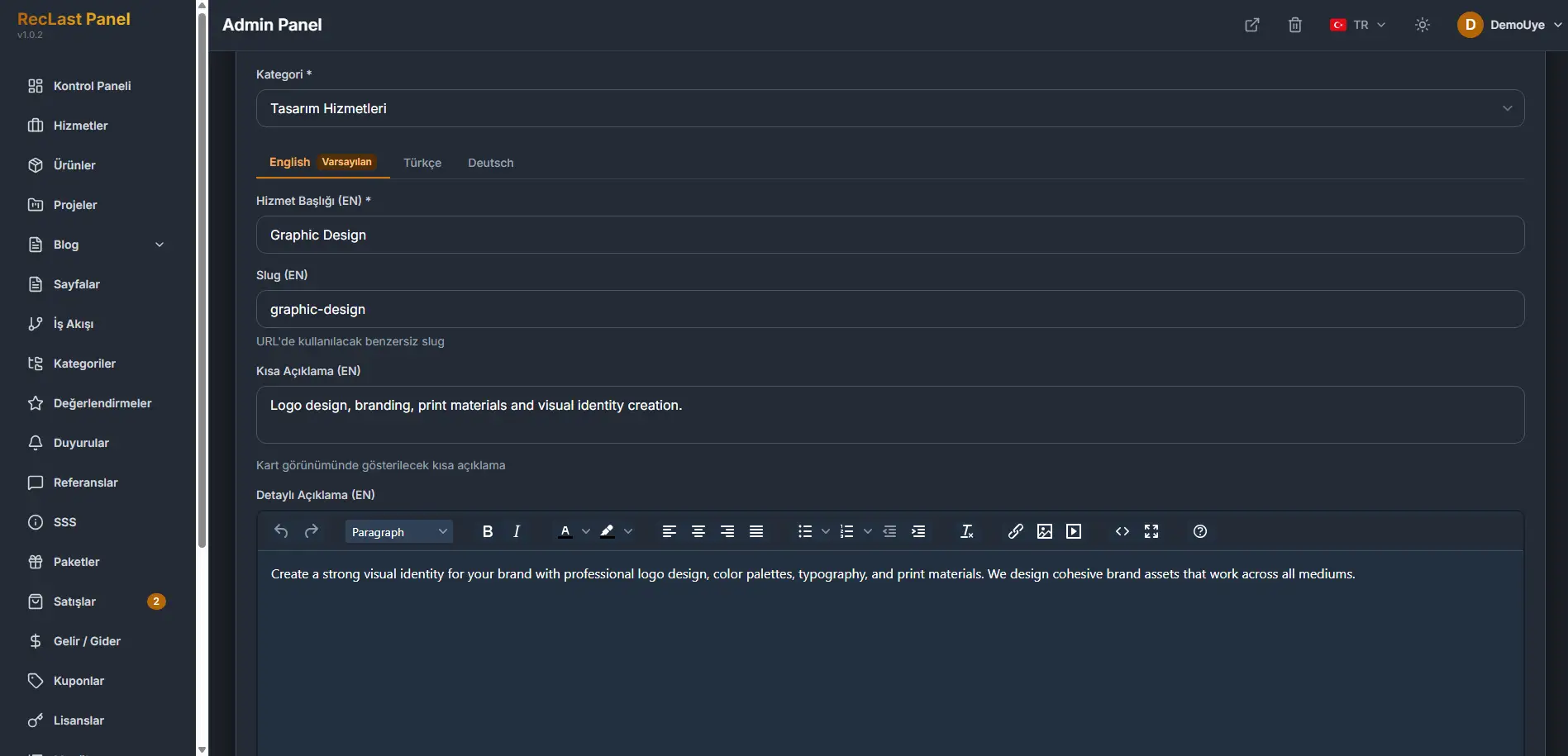
The screenshot is the top of the shared form. The fields below are the question ones.
Question details
Category is required. General is the category the form can open on.
The language tabs come from Languages. The default language stays first, and the required fields on that tab have to be filled. This site currently has three languages, and English is the default, so English is the tab in front. Editing shows which language you are filling. The question and the answer belong to that language.
Question is required.
Answer is required.
Order is the sequence. The form starts at 0.
Active is the state the list shows for a question that is in use.
Cancel leaves the form without writing it. Save writes the question.