Coupons
Coupons are their own item in the Agency admin sidebar, under Coupons. The screen title is Coupons, and the line under it is Manage discount coupons.
The list and the form use the same layout as Services. What changes is the fields. The screenshots on this page are that shared layout. The columns and fields below are the coupon ones.
The list
Create adds a coupon. Code filters by the coupon code. Active can be left on All. Filter applies that choice.
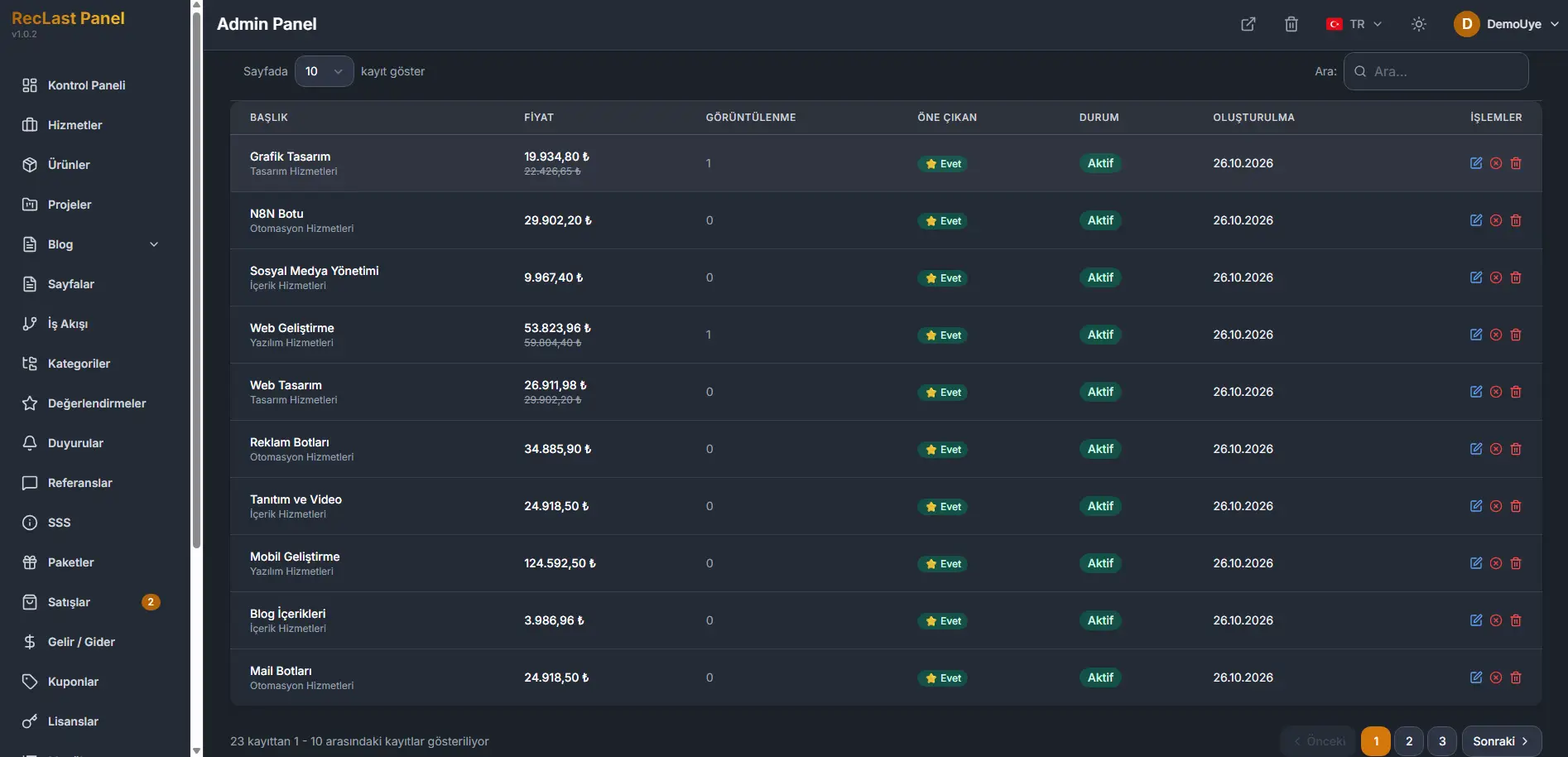
Each row shows:
- Code. The code a client enters.
- Type. Percent on this list.
- Value. The percent taken off.
- Minimum order. The order total the coupon needs.
- Used. How many times it has been used, and the maximum, as a pair.
- Valid until. The last day the coupon works.
- Active. Yes when the coupon is in use.
- Actions. Edit opens the form.
The line under the table states which rows are on the page, out of the full count. Previous and Next move between pages. The numbers between them are the pages.
Create and edit
Create opens an empty form. Edit on a row opens the same form with that coupon filled in. The screen title is Create, under Coupons.
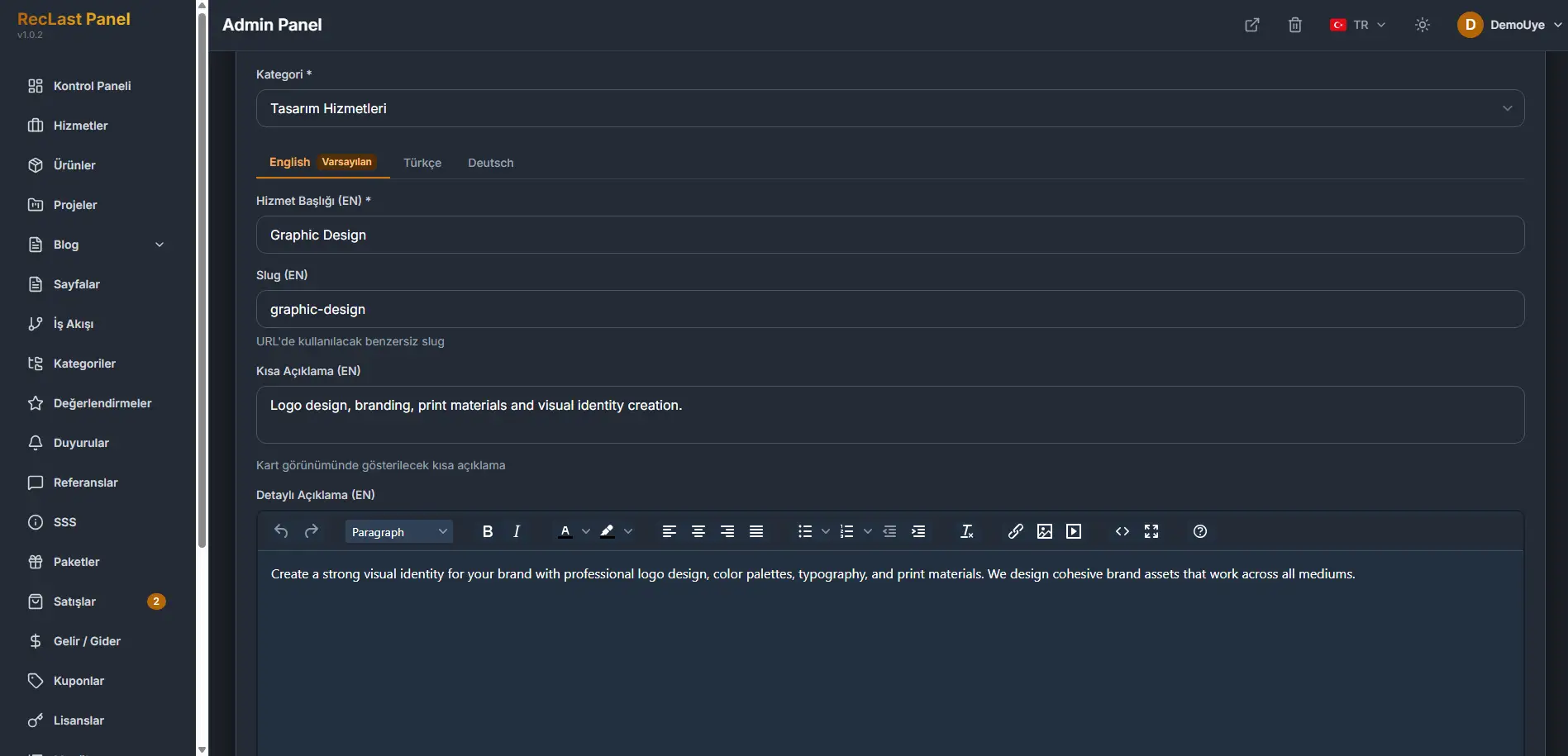
The screenshot is the top of the shared form. The fields below are the coupon ones.
Code is the code itself.
Type is Percent. Value is that percent.
Minimum order is the smallest order the coupon applies to.
Max uses is how many times the coupon can be used in total.
Max uses per user is how many times one user can use it.
Valid from and Valid until are the period. Click the field, or the calendar icon, to choose the day.
Active is the state the list shows as Yes.
Description is optional.
Save writes the coupon. Cancel leaves the form without writing it.