Blog
Blog posts are their own item in the Agency admin sidebar, under Blog posts. The screen title is Blog posts, and the line under it is Manage your blog posts. Comments are a second screen, under Blog comments.
The list uses the same layout as Services. The form does not. The screenshot on this page is the blog form.
The list
New blog post adds a post. Show sets how many rows the page holds. The usual count is 10. Search filters the rows.
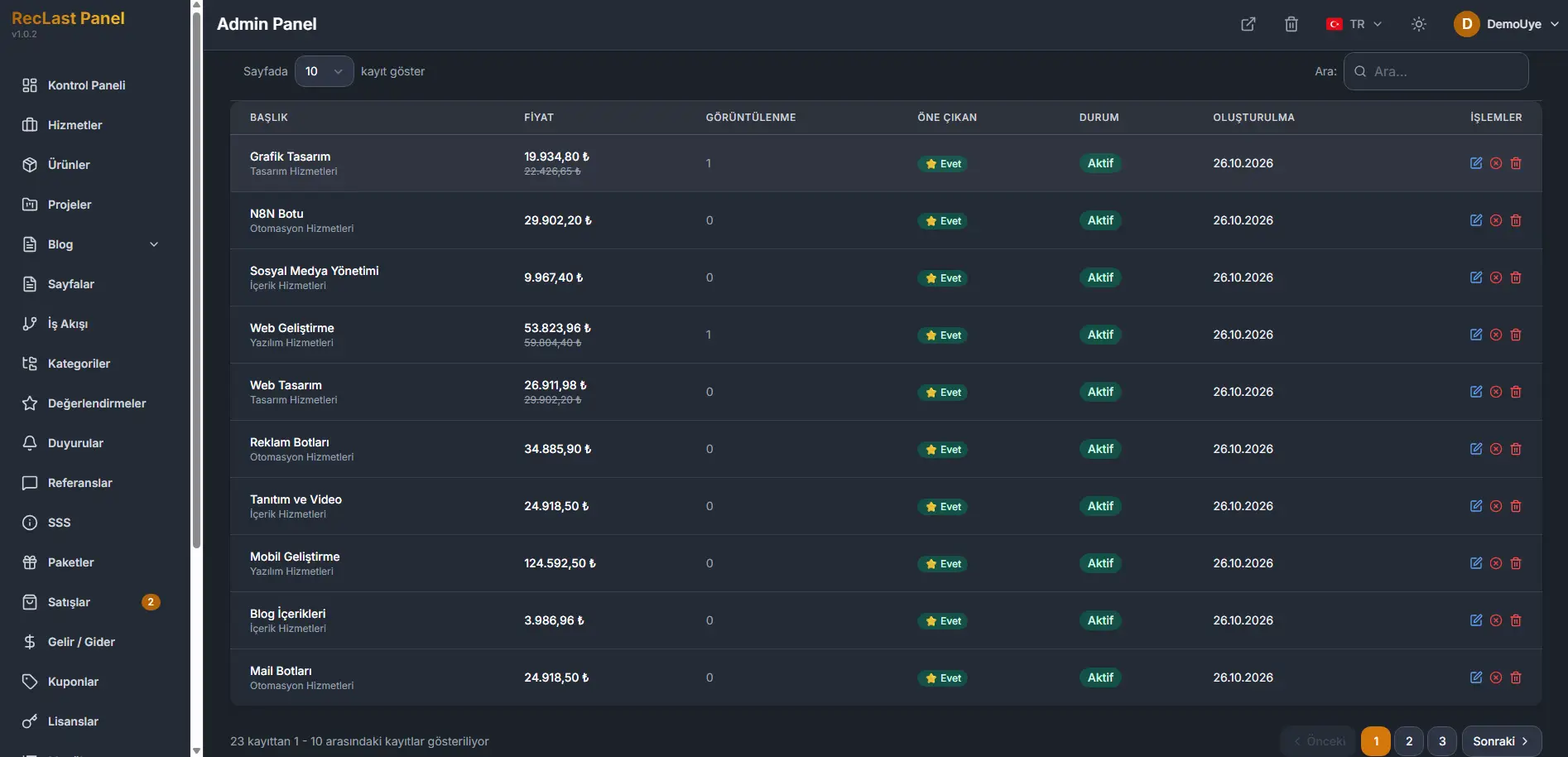
Each row shows:
- Image. The cover of the post.
- Title. The post title.
- Category. The category the post belongs to.
- Author. The member who created the post. The form does not ask you to type one.
- Status. Published when the post is public. A post that is still being written is Draft.
- Views. How many times the public page has been opened.
- Date. The publish date, with the time.
- Actions. Edit opens the form. Delete removes the row.
The line under the table states which rows are on the page, out of the full count. Previous and Next move between pages. The numbers between them are the pages.
Create and edit
New blog post opens an empty form. Edit on a row opens the same form with that post filled in. The screen title for a new record is New blog post, and the line under it is Create a new blog post.
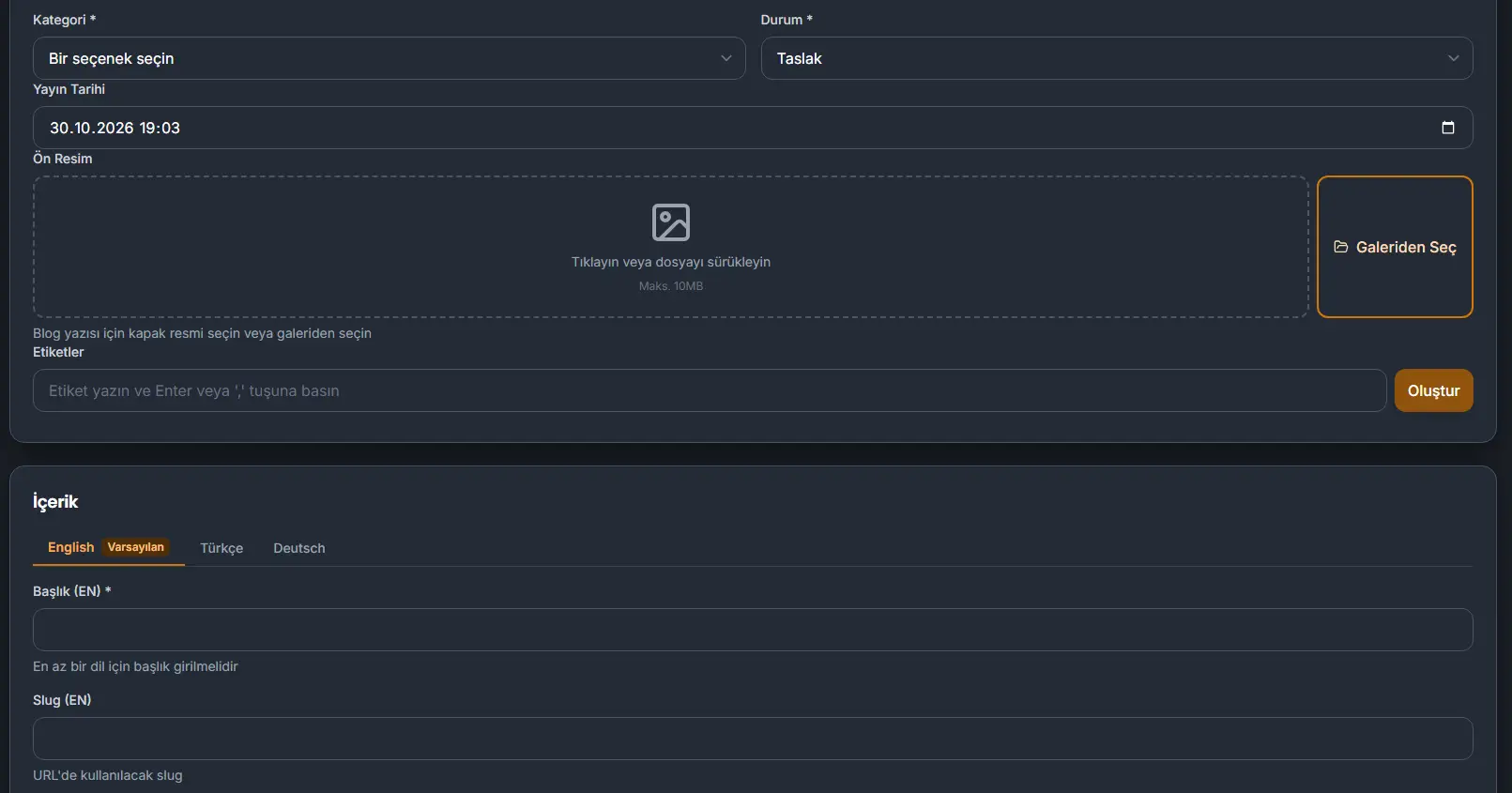
The screenshot is the first card. Content sits on the same page, under it.
Basic information
Category is required.
Status is required. Draft is the state of a post that is not public yet. Published is the state the list shows once the post is public.
Publish date holds the date and the time. That value is what the list shows in the Date column.
Cover image is the image for the post. Click the area, or drag a file onto it. Choose from gallery uses an image that is already stored. The limit is 10 MB.
Tags. Type a tag and press Enter or comma.
Create on this card writes the post.
Content
The language tabs come from Languages. The default language stays first. This site currently has three languages, and English is the default, so English is the tab in front. Editing shows which language you are filling. Title, slug, excerpt, and content belong to that language.
Title carries a required mark. The line under the field says a title must be entered for at least one language.
Slug is the segment used in the URL.
Excerpt is the short text for the post.
Content is the post itself, written in the editor on the form.
Cancel leaves the form without writing it. Create at the bottom writes the post.
Comments
Comments are their own item, under Blog comments. The screen title is Blog comments, and the line under it is Review submitted comments, and approve or reject them.
Show sets how many rows the page holds. The usual count is 10. Search filters comments and authors. The field says to search in comments or authors.
Each row shows:
- Content. The post the comment belongs to.
- Author. Who wrote the comment.
- Comment. The comment text.
- Status. Where the comment stands.
- Actions. Approve makes the comment public. Reject keeps it off the post.
A comment stays off the public post until you approve it.
When the list is empty, the table says No comments found. The line under it states that no rows are on the page. Previous and Next stay in place.